Resetting a network user password as an end-user:
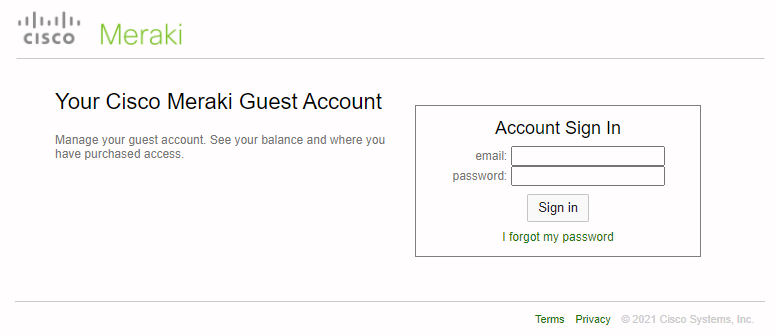
- Navigate to https://account.meraki.com/account/account_login (screenshot below)
- Choose ‘I forgot my password’
- Enter your email address and click ‘Reset password’
- You will receive an email with a link to reset your password if the end-user account exists
- Follow instructions from the email to reset your password