- Go to the Desktop, right-click the desktop, and go to Display settings.
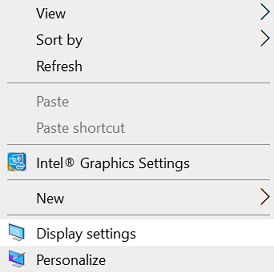
- Here you can adjust the size of text, apps, and other items and also change the orientation. To change the resolution settings, scroll down this window and click Advanced Display Settings.
- The lower the resolution, the larger the content displayed on the screen. From the available options in the drop-down menu, select the one you want and click Apply.
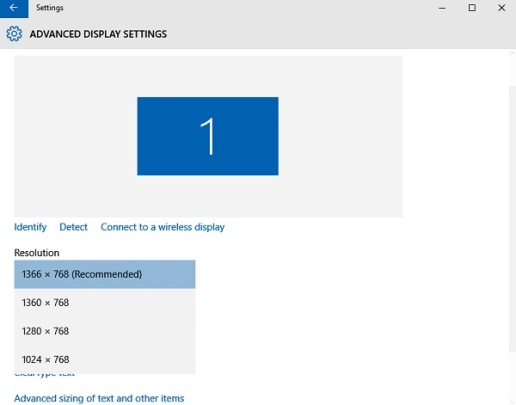
- If it is not the optimal setting for the system, you will see an Optimal Resolution Notification.
- Ignore the notification and confirm the Screen Resolution changes by clicking Keep The Changes, or select another screen resolution. You will get 15 seconds to confirm the changes or else it will revert to the default display settings.
