Audio and Microphone
Open the voice recorder and see if the recorder can pick up the microphone sound.
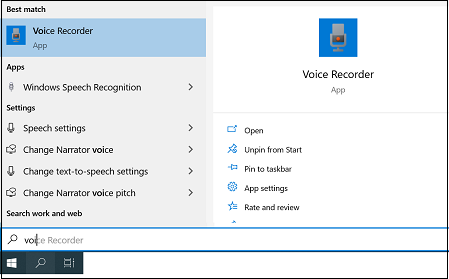
- Type Voice Recorder in the search box.
- Select the Voice Recorder application.
- Select the Record button.
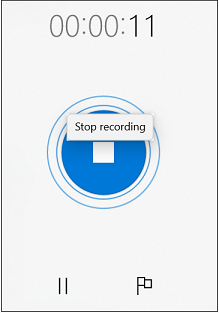
- Stop the recording.
- Click the recording and listen to the recording to make sure you can hear sound.
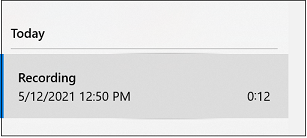
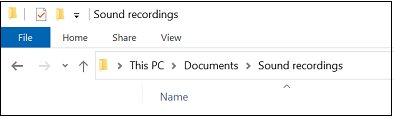
- The saved recordings are stored in the Documents and Sound recordings folder.